Fabee 1.4: share your week and your meals
Fabee 1.4 turns a page of your weekly recap or a meal photo into a card for your Stories. Plus a friendlier first chat and a note when a new version is out.
- Written by
-
 Nico
Nico
Fabee 1.4 is about sharing. Turn a good week or a meal into a card for your Stories.
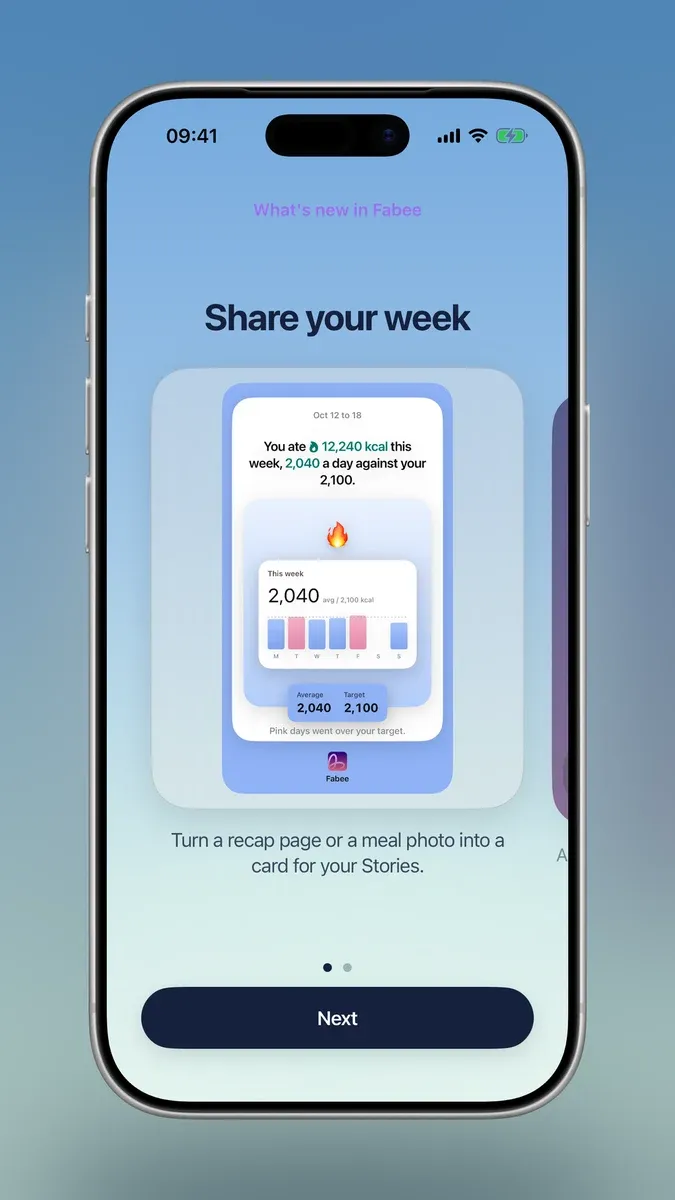
Share your week
Every recap page now has a Share button that makes a Stories card. Your weight is never on it.
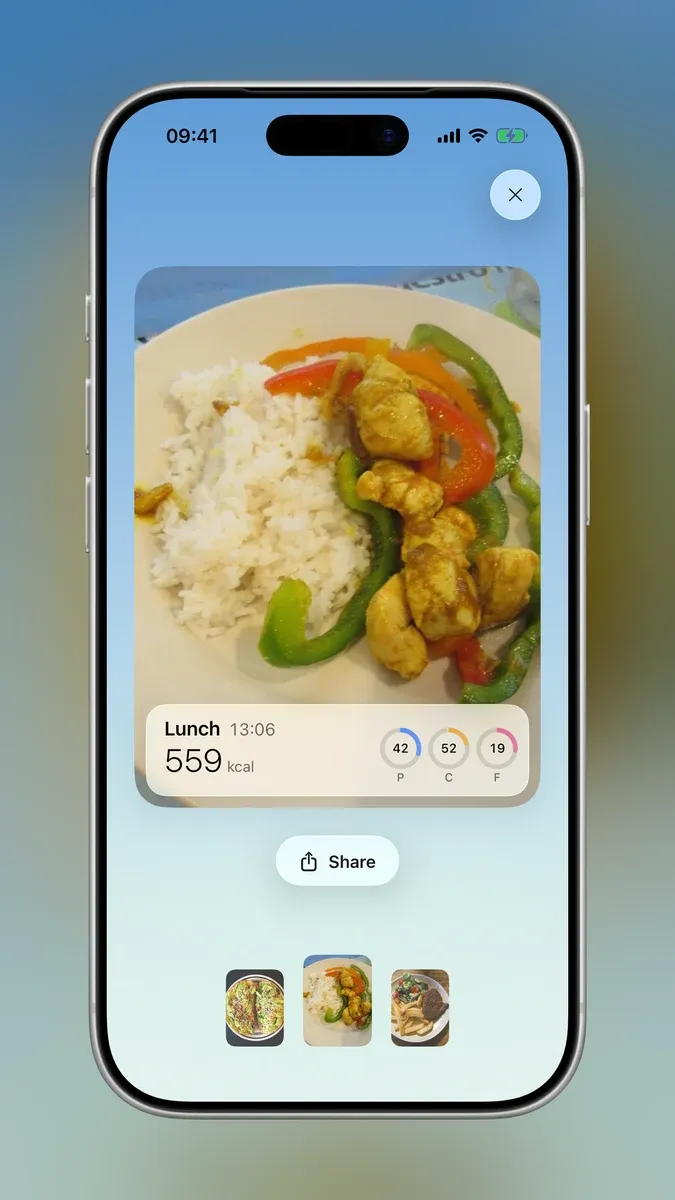
Share a meal
Tap a meal photo in the chat to see it big, then share it as a meal card with its calories and macros.
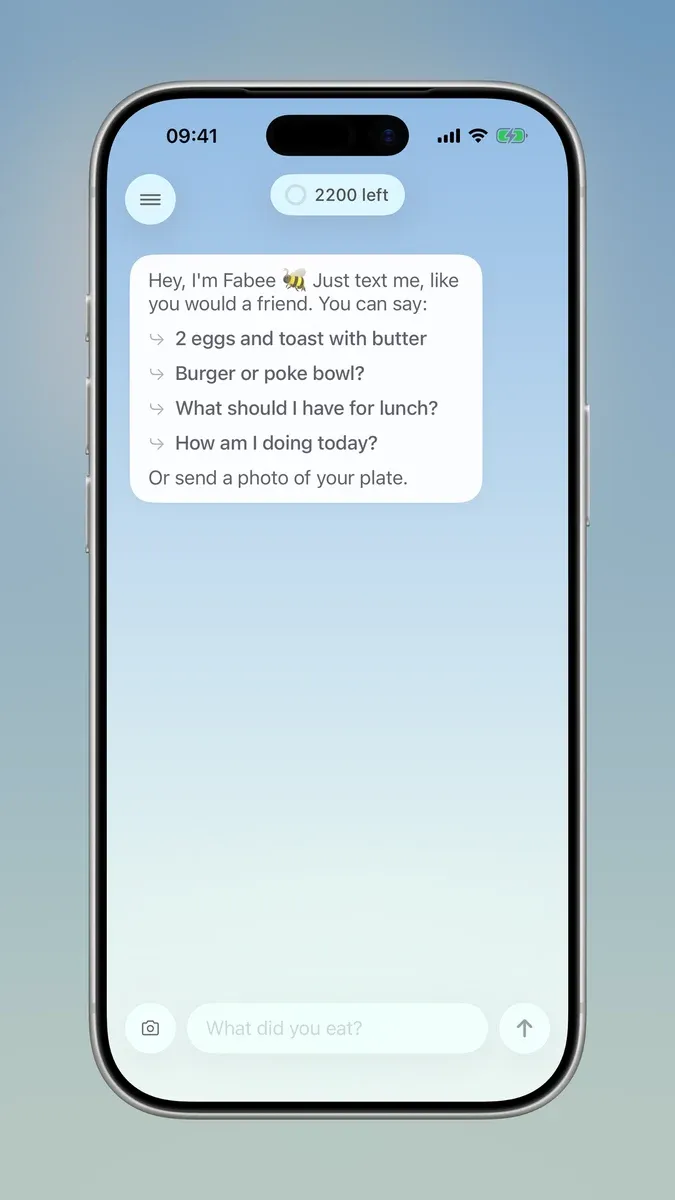
A friendlier first chat
New here and not sure what to type? Fabee’s first message now shows what you can say, like “2 eggs and toast with butter” or “Burger or poke bowl?”.
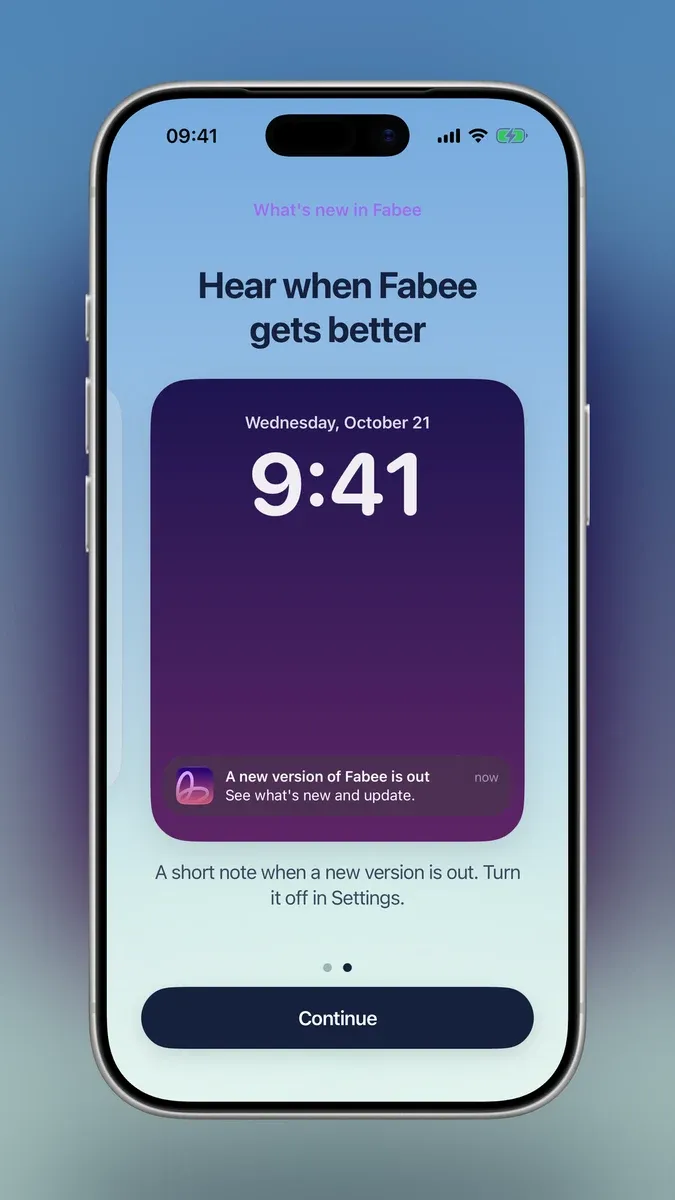
Hear when Fabee gets better
You get a short notification when a new version is out. Update news only, never anything about your food or health. You can turn it off in Settings › Notifications.
Fixes
- Drinks like a long black or a flat white show in ml.
- Foods Fabee renames start with a capital letter.

Ask Fabee
Your AI nutrition coach
Just text me, like you would a friend. You can say: You could say:
2 eggs and toast with butter
Burger or poke bowl?
What should I have for lunch?
How am I doing today?